CarPlay video not working? How to fix no picture on the car screen
Sound plays but the car screen stays black, or the video won't start? Begin with the two easy checks: is the car fully stopped, and is location on? If both are fine, work down the list.
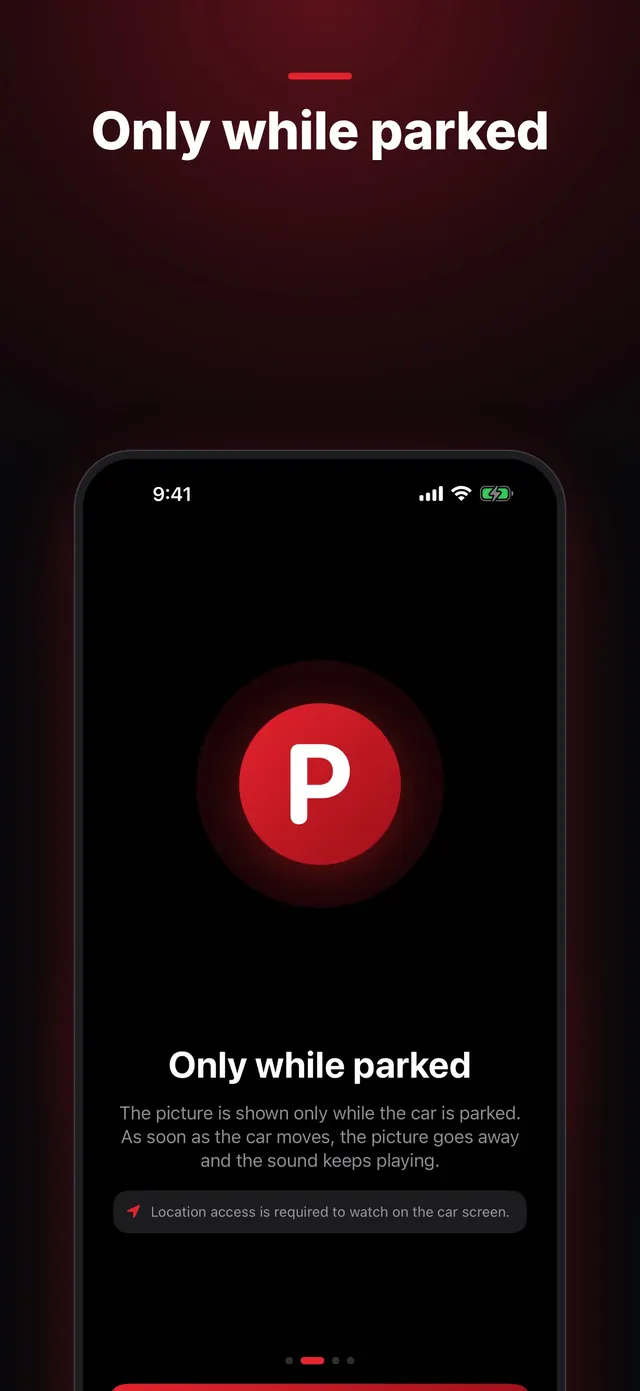
The car is moving, or just was
Video on the car screen only plays while you're parked. If the car reports that it's in motion, or GPS shows more than 10 km/h (about 6 mph), the picture switches off and you only hear the sound. It doesn't come back on its own after you stop, so tap Video on the car screen.
Location is off or not precise
CabinCast relies on the iPhone's location to tell whether the car is moving. Without it, the car screen shows no picture. If the car screen says Turn on location on the iPhone to watch on the car screen, open CabinCast on the iPhone, find the Location is off card and tap Turn On. In Settings, allow location while using the app and leave Precise Location on.
 CabinCast — Video, IPTV & Screen Mirroring
Download on the App Store
CabinCast isn't open on the car screen
Open CabinCast on the CarPlay screen and start the video from there. When the car screen says Tap Cast to choose what to watch, tap Cast and pick something.
Your car can't show video
Cars with AirPlay video (iOS 26.4 or later, if the car maker has added it) use their own player. Other cars get the picture in CabinCast's own window. Some cars and head units won't show video either way, and the free first hour on the car screen is the quickest way to find out about yours.
The video wasn't sent to the car
In cars with their own player, a video saved on the iPhone travels to the car over Wi-Fi. If the transfer fails, this message appears: This video couldn't be sent to the car screen. Make sure the iPhone is on Wi-Fi. Check the Wi-Fi connection, then allow Local Network for CabinCast in the iPhone's Settings.
A link, channel or server doesn't play
A link has to point to a video file or a stream, such as MP4 or M3U8. A link to a page on a video website won't work. For playlist channels, see IPTV on iPhone and CarPlay. For media servers, see Jellyfin and Emby on CarPlay.
Mirroring shows a black picture
Apps that protect their video show up black in every screen broadcast. That's how iOS works, and no setting in CabinCast changes it. Your own videos, playlists and servers play in CabinCast's player instead.
The free hour is over
When the car screen says Free hour is over, you've used up your first hour of watching in the car. Watching on the iPhone stays free, and CabinCast Pro lifts the time limit on the car screen.
Questions
Why is there sound but no picture?
Usually the car is moving or has just moved, location access is off, or the picture is hidden. Park, check location in CabinCast and tap Video on the car screen.
Does CabinCast work with wireless CarPlay?
Yes, wired and wireless CarPlay both work.
Can passengers watch while the car moves?
Only on their own phones. The picture on the car screen turns off whenever the car is moving.
CarPlay guides
- How to watch videos on CarPlay (2026)
- How to watch movies on CarPlay while parked
- IPTV on iPhone and CarPlay: play M3U playlists
- What is an M3U playlist? M3U and M3U8 explained
- CarPlay screen mirroring and AirPlay: show your iPhone on the car screen
- How to watch TV on CarPlay in your car
- Jellyfin and Emby on CarPlay
- CarPlay video apps and players: how video works on CarPlay in iOS 26
- CarPlay AI box vs a CarPlay video app: which one to choose