 CabinCast
Your videos
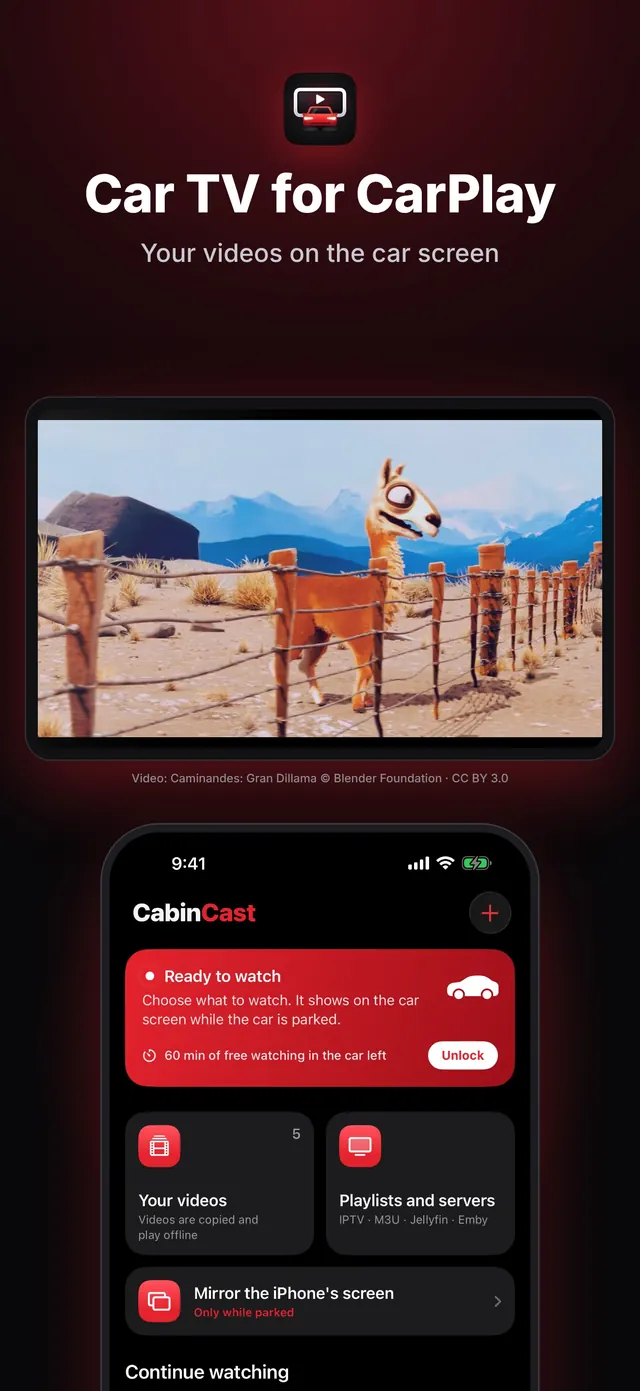
Copy videos from Files or Photos. They play offline — MP4, MOV, MKV, AVI and more.
Watch your own videos, IPTV playlists and media servers on the car screen while you're parked — or show your iPhone's screen there.
Your first hour on the car screen is free. Requires iOS 26 and a car with CarPlay.
Copy videos from Files or Photos. They play offline — MP4, MOV, MKV, AVI and more.
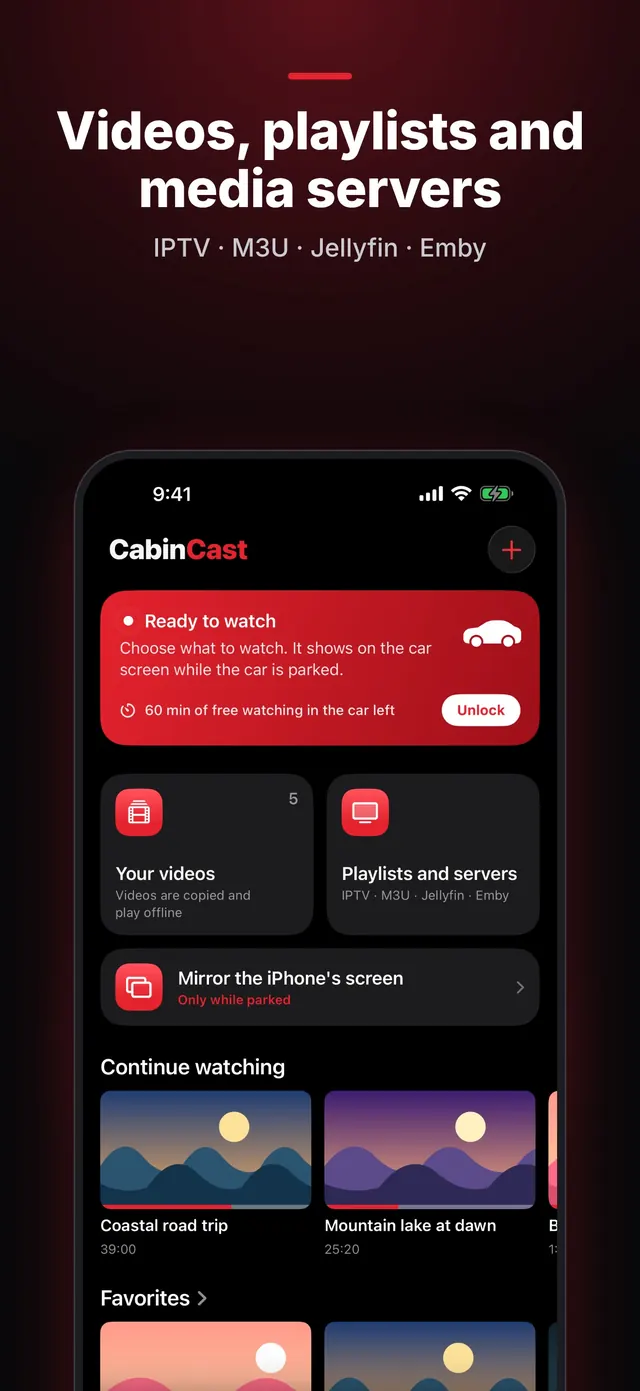
Add an M3U or M3U8 playlist by link or file: live TV, movies and series, with groups and search.
Sign in to your own media server and watch your library on the car screen.
Open a direct link to a video file or a stream (MP4, M3U8).
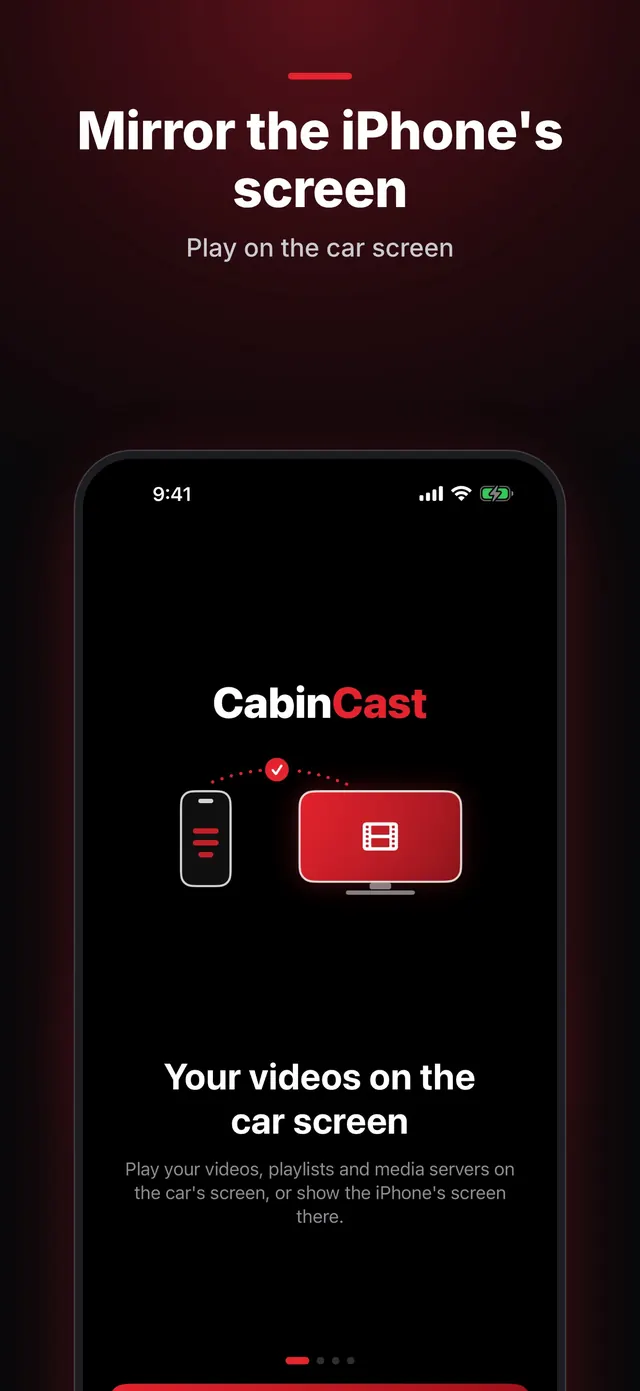
Show your iPhone's screen on the car display while parked.
Big, simple controls: play, pause, skip 15 seconds. Continue watching, favorites, audio tracks and subtitles.
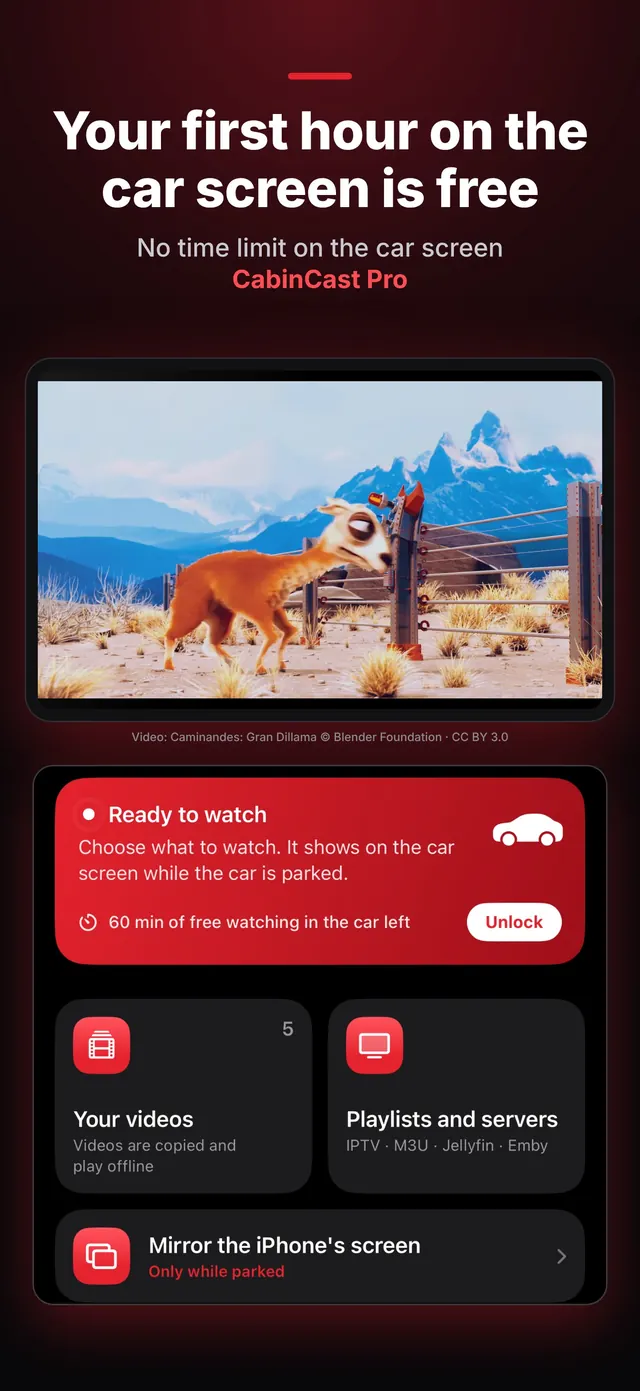
Video: Caminandes: Gran Dillama © Blender Foundation · CC BY 3.0
On the iPhone, add videos from Files or Photos, an IPTV playlist, a link or your Jellyfin or Emby server.
Connect the iPhone to the car and tap CabinCast on the CarPlay screen.
Choose a video on the car screen. When the car moves, the picture goes away and the sound keeps playing.
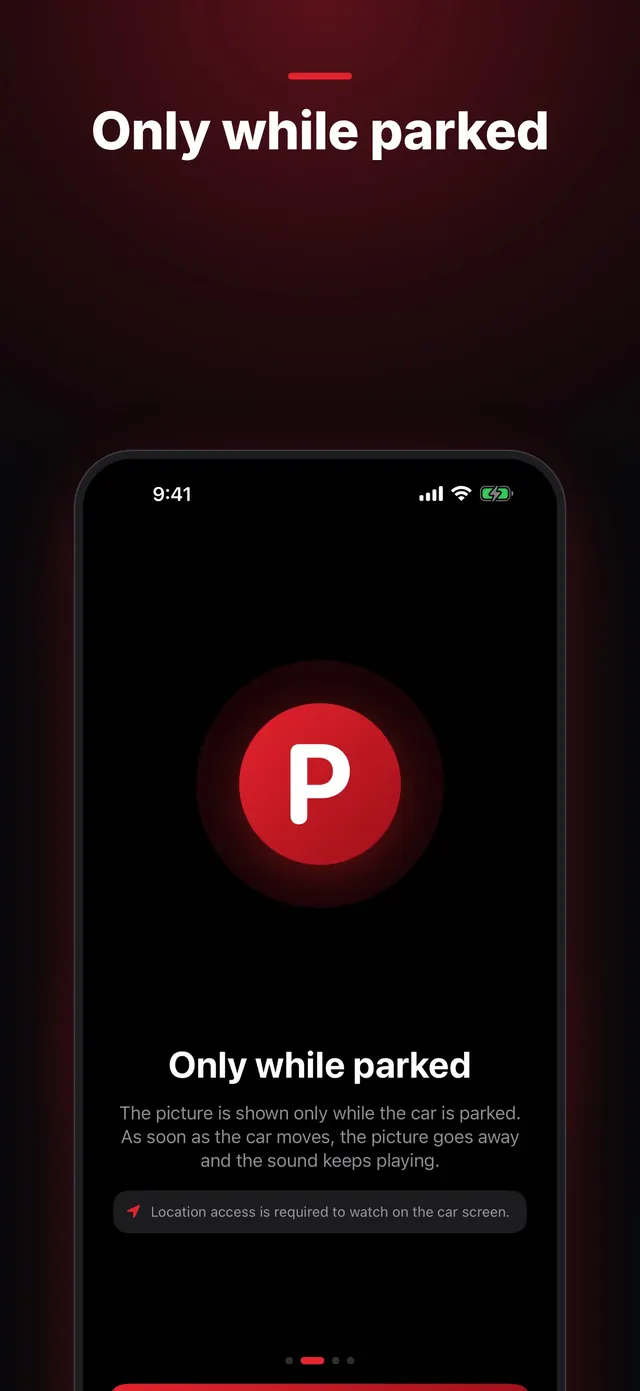
The picture shows on the car screen only while the car is parked. As soon as the car moves, the picture goes away at once and the sound keeps playing. After you stop, tap Video to see it again.
Whether video appears depends on your car: some cars play it in their own player, others in CabinCast's window. Use the free hour to check yours.
Watching on the iPhone is always free, and your first hour on the car screen is free. CabinCast Pro removes the time limit: weekly, yearly or once for life.
Yes, while the car is parked. CabinCast plays your own videos, IPTV playlists (M3U), direct video links and your Jellyfin or Emby server on the CarPlay screen, and can mirror your iPhone's screen there. As soon as the car moves, the picture goes away and the sound keeps playing.
No. The picture is shown only while the car is parked. When the car reports driving, or GPS shows more than 10 km/h, the picture is removed at once and only the sound continues, like an audio app. After you stop, tap Video to see the picture again. Without location access, the car screen shows no picture at all.
You need an iPhone on iOS 26 or later and a car or head unit with CarPlay. Cars that play video themselves open it in their own player; in other cars CabinCast shows the picture in its own window on the CarPlay screen. Whether video appears depends on the car, so use the free hour to check yours.
MP4, MOV, MKV, AVI and more. Videos from Files or Photos are copied into the app and play offline; MKV and AVI play through the built-in VLC engine. IPTV playlists can be added as an M3U or M3U8 link or file.
No. CabinCast doesn't provide any channels, videos or accounts. You add your own files, playlists and servers — only what you have the right to watch.
Watching on the iPhone is always free, and your first hour on the car screen is free. CabinCast Pro removes the time limit on the car screen — weekly, yearly or once for life. Family plans share Pro with up to 5 family members through Family Sharing.
Yes, while parked. Start screen mirroring from the Watch tab and the iPhone's screen appears on the car display; you control it on the iPhone. Many streaming apps protect their video, and iOS shows it black in a screen broadcast.
CabinCast uses it only to reach media servers on your home network and to send a video stored on your iPhone to the car over Wi-Fi.
Location access is required to watch on the car screen. CabinCast uses the iPhone's location only to tell whether the car is moving, so the picture can go away while you drive. It stays on your iPhone and is never sent to us. Without location access, the car screen shows no picture.
A CarPlay AI box is a small Android computer that plugs into your car's CarPlay port. How it differs from a CarPlay video app, what each one needs and which suits you.
Mirror your iPhone's screen to the CarPlay display while parked: how to start and control it, why some apps go black, and how AirPlay to the car works from iOS 26.4.
How video on the CarPlay screen works in 2026: the parked-only rule, cars that play video themselves, players that show it in their own window, and what to look for.
Turn the car screen into a TV while parked: your videos, IPTV playlists, Jellyfin and Emby, or your iPhone's screen. Your first hour is free.