CarPlay video apps and players: how video works on CarPlay in iOS 26
Apple built CarPlay for driving, so video on the car screen is limited to when you're parked. This guide covers how CarPlay video apps work within that limit today and what to check before you choose one.
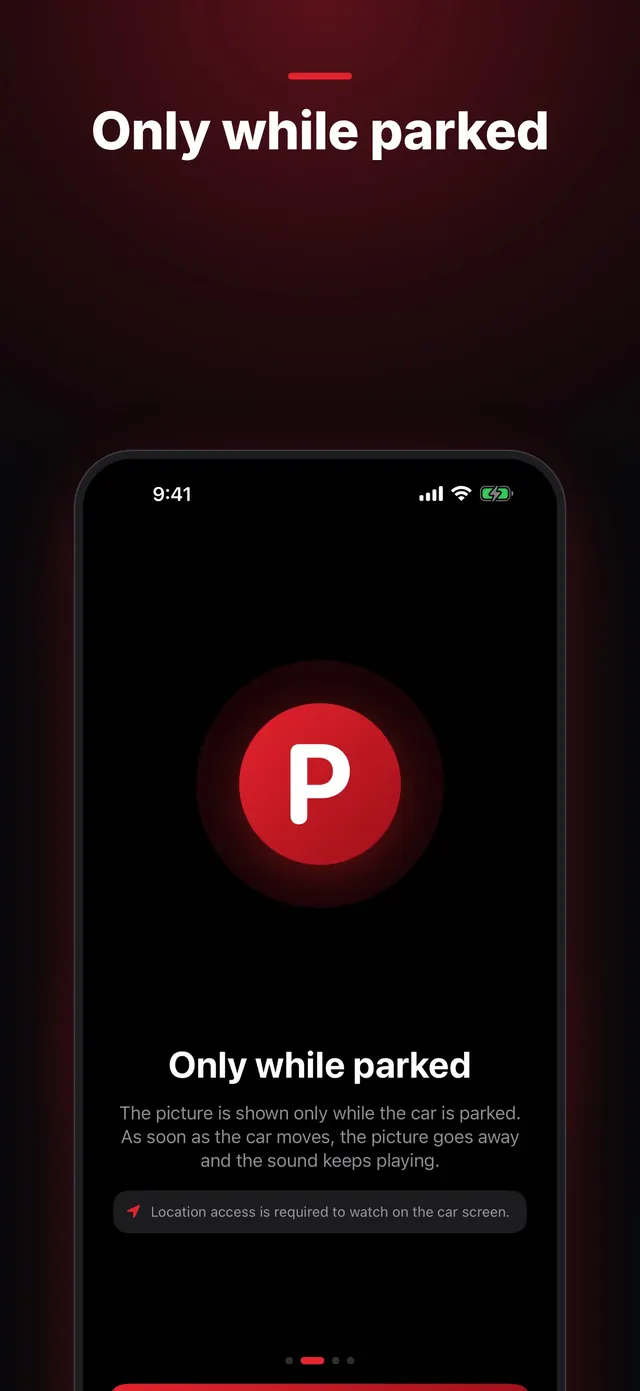
Parked only
A good CarPlay video app takes the picture away as soon as the car drives off and keeps the sound playing, so you don't lose your place. CabinCast checks both the car's driving signal and the iPhone's location. Without location access, it won't show video on the car screen.
Two ways video reaches the car
Some newer cars can play video themselves, and the app hands the video to the car's player. In other cars, the app draws the picture in its own window on the CarPlay screen. CabinCast uses the car's player where there is one and its own window everywhere else. Android-based AI boxes take a different route and replace CarPlay with their own screen. See CarPlay AI box vs a CarPlay video app.
 CabinCast — Video, IPTV & Screen Mirroring
Download on the App Store
What to look for
- The sources you need: files, IPTV playlists, links, media servers, screen mirroring
- Formats beyond MP4, such as MKV and AVI
- Continue watching, audio tracks and subtitles
- A clear rule for driving: picture off, sound on
- A free trial in your own car, since compatibility varies
CabinCast
CabinCast (Car TV for CarPlay) plays your own videos, M3U playlists, links and Jellyfin or Emby servers, and it can mirror your iPhone's screen. Everything works while parked, and on the move you keep the sound.
Questions
Is it legal to watch videos on CarPlay?
Watching video while you drive is unsafe, and in many places it's against the law. CabinCast shows video only while the car is parked; on the move, only the sound plays.
Why doesn't my car show video?
It depends on the car and the head unit. The free hour in CabinCast lets you test yours, and the guide on CarPlay video not working covers the usual fixes.
CarPlay guides
- How to watch videos on CarPlay (2026)
- CarPlay video not working? How to fix no picture on the car screen
- How to watch movies on CarPlay while parked
- IPTV on iPhone and CarPlay: play M3U playlists
- What is an M3U playlist? M3U and M3U8 explained
- CarPlay screen mirroring and AirPlay: show your iPhone on the car screen
- How to watch TV on CarPlay in your car
- Jellyfin and Emby on CarPlay
- CarPlay AI box vs a CarPlay video app: which one to choose