CarPlay AI box vs a CarPlay video app: which one to choose
Search for ways to watch video in the car and two answers keep coming up: CarPlay AI boxes, which are Android adapters, and CarPlay video apps that run on your iPhone. Both put video on the car screen, but in very different ways.
What a CarPlay AI box is
An AI box is a small Android computer that plugs into the USB port your car uses for wired CarPlay. When the car starts CarPlay, the box shows its own Android screen and apps in place of Apple's CarPlay. Many of them also turn wired CarPlay into wireless. Whatever the name suggests, most of them just run apps.
What an AI box needs
- A car with factory-installed wired CarPlay. The box connects through that port, so cars with wireless-only CarPlay can't use one.
- Its own internet connection: a SIM card in the box or your phone's hotspot.
- Power, startup time and updates, like any small computer.
 CabinCast — Video, IPTV & Screen Mirroring
Download on the App Store
What a CarPlay video app does instead
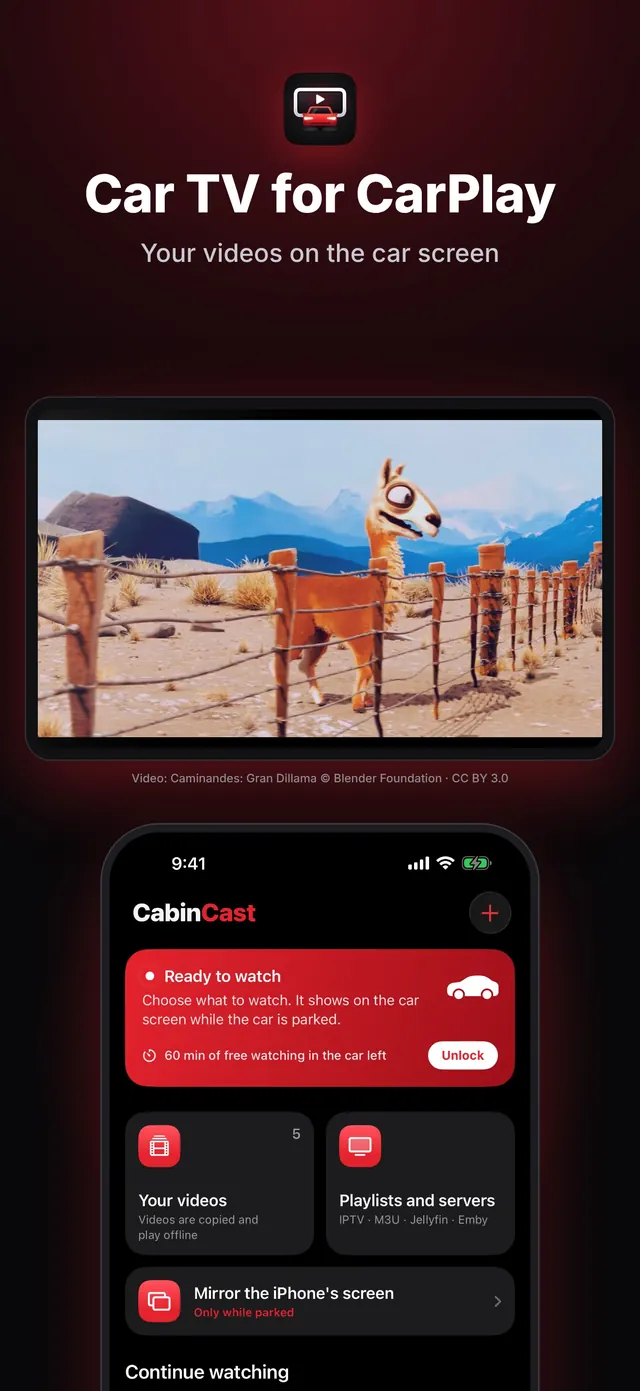
A CarPlay video app such as CabinCast runs on your iPhone and leaves the car's CarPlay alone. You add your own videos, IPTV playlists or Jellyfin and Emby servers, or mirror the iPhone's screen, and watch on the car screen while parked. There's no extra box to plug in, and it works with wired and wireless CarPlay.
Which one to choose
- Android apps on the dashboard, and your car has wired CarPlay: an AI box.
- Your own videos, playlists and media servers on the car screen, with no extra hardware: a CarPlay video app.
- Keeping Apple's CarPlay exactly as it is: a CarPlay video app.
- Trying before you pay: CabinCast's first hour on the car screen is free.
Parked only, whichever you use
Watching video while driving is dangerous and illegal in many places. CabinCast removes the picture as soon as the car moves and keeps the sound. If you use an AI box, hold yourself to the same rule.
Questions
Does a wireless CarPlay adapter play video?
A plain wireless adapter only makes CarPlay wireless. It doesn't add video; for that you need an AI box or a CarPlay video app.
Do AI boxes work in every car?
No. They need factory-installed wired CarPlay, and compatibility varies from model to model.
Does CabinCast play streaming-service apps?
No. It plays your own files, playlists, links and media servers, and mirrors the iPhone's screen. Many streaming apps protect their video, so mirroring them shows only a black picture.
CarPlay guides
- How to watch videos on CarPlay (2026)
- CarPlay video not working? How to fix no picture on the car screen
- How to watch movies on CarPlay while parked
- IPTV on iPhone and CarPlay: play M3U playlists
- What is an M3U playlist? M3U and M3U8 explained
- CarPlay screen mirroring and AirPlay: show your iPhone on the car screen
- How to watch TV on CarPlay in your car
- Jellyfin and Emby on CarPlay
- CarPlay video apps and players: how video works on CarPlay in iOS 26